
Overview
Adobe Illustrator Draw is a vector-based drawing tool developed by Adobe, designed specifically for touchscreen devices. It serves as a streamlined, mobile-friendly version of Adobe’s renowned desktop vector graphics software, offering users a portable platform to create digital artwork on the go. The application is ideal for casual artists, illustrators, and creative hobbyists who seek a lightweight yet capable drawing solution without the complexity of full desktop suites.
Its primary purpose is to enable intuitive, expressive digital sketching through a suite of customizable brushes and layer support. The app allows users to draw directly on-screen using a stylus or finger, making it well-suited for on-the-spot ideation, concept sketching, or personal creative expression. Real-world usage scenarios include creating character designs, coloring pages, digital illustrations, and visual notes.
It supports drawing over photos, which enhances its utility for concept work and photo manipulation. The developer did not provide additional system requirements or performance benchmarks. Platform compatibility information is limited to mobile operating systems, with no desktop version available.
Key Features & Capabilities
- Vector-based drawing engine: Ensures scalable, high-quality artwork that maintains clarity at any size, ideal for digital illustrations and design concepts.
- Customizable brush library: Offers multiple brush types with adjustable opacity, size, and color, enabling fine-tuned control for different artistic styles.
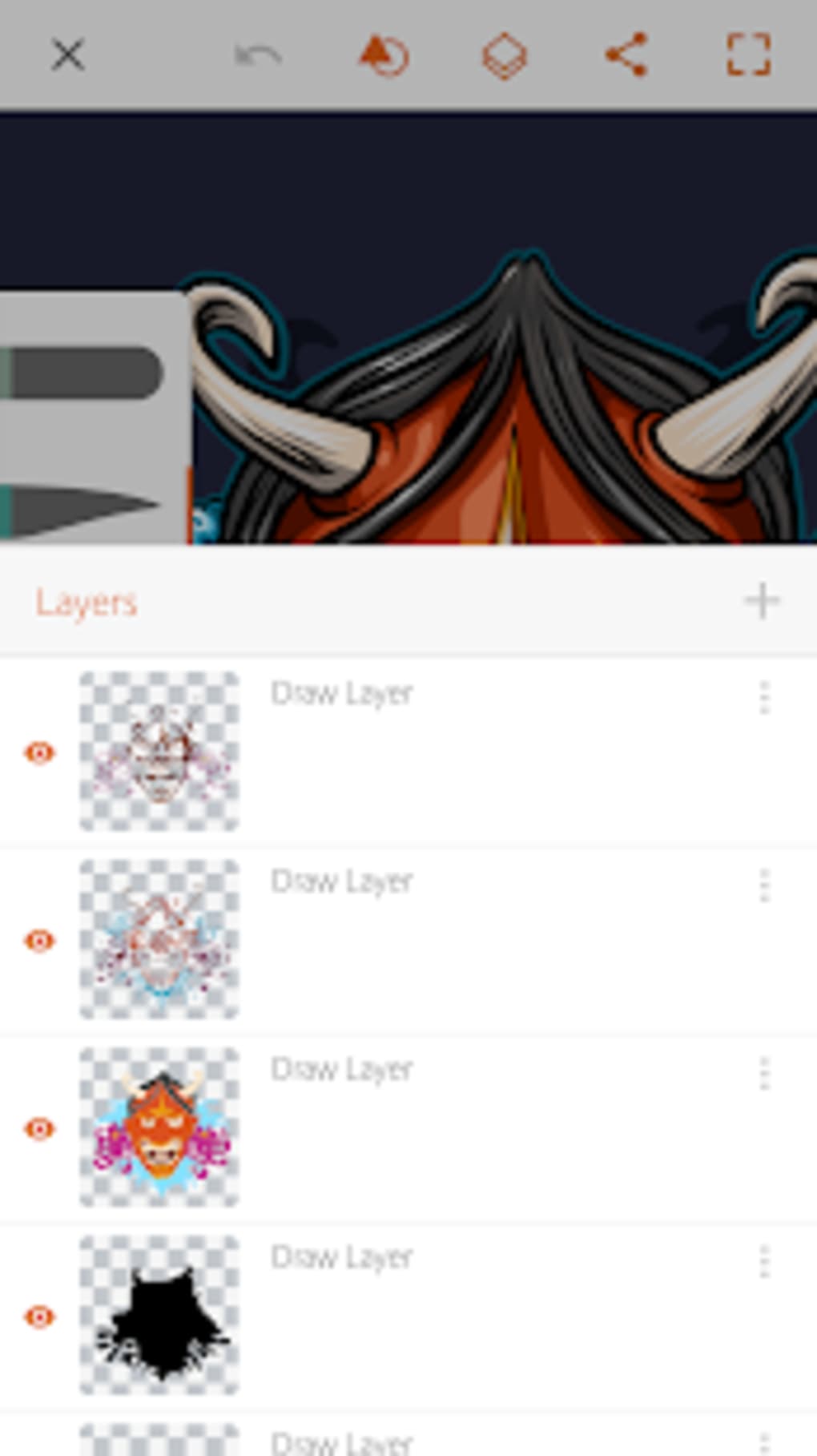
- Up to ten layers: Allows complex compositions by organizing elements separately, facilitating non-destructive editing and layer-specific adjustments.
- Photo overlay functionality: Enables users to draw directly on top of images, including photos taken with the device, downloaded content, or assets from the in-app market.
- Community integration: Supports following artists, viewing shared creations, and "appreciating" artwork, fostering a sense of creative connection.
- Offline operation: The app functions without an internet connection, allowing uninterrupted creative work in any environment.
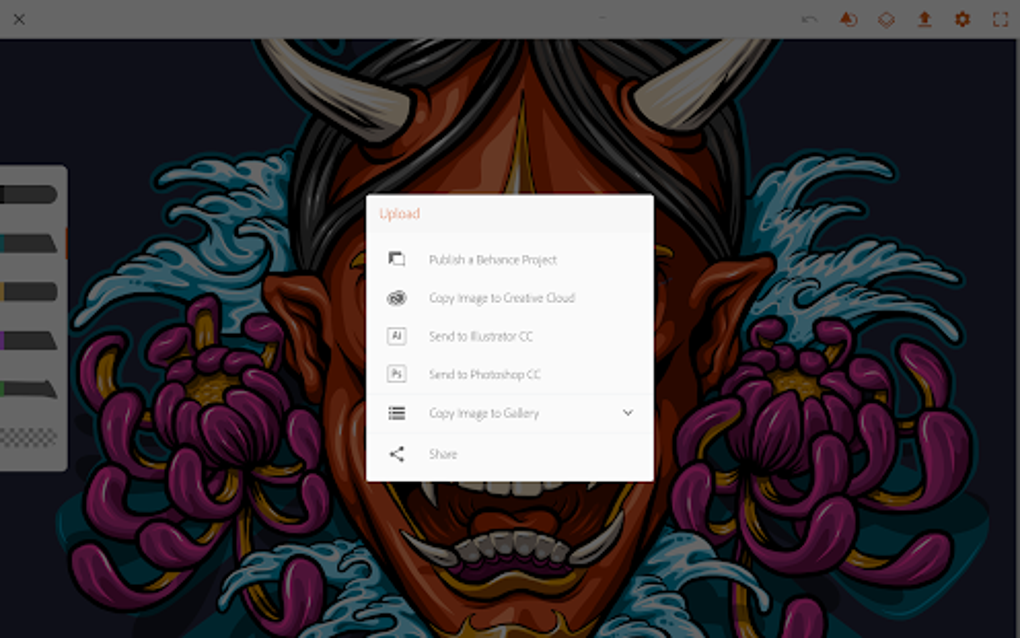
- Easy sharing options: Finished projects can be exported and shared directly to social media platforms or other apps.
These features empower users to sketch, refine, and share artwork seamlessly. For example, an artist might use the photo overlay to trace a reference image, layer multiple elements for a character design, and then export the final piece to Instagram. The ability to work offline ensures productivity during travel or in low-connectivity areas. While the app lacks advanced vector editing tools found in desktop versions, its core capabilities are well-suited for mobile-first creative workflows.
User Interface, Workflow & Performance
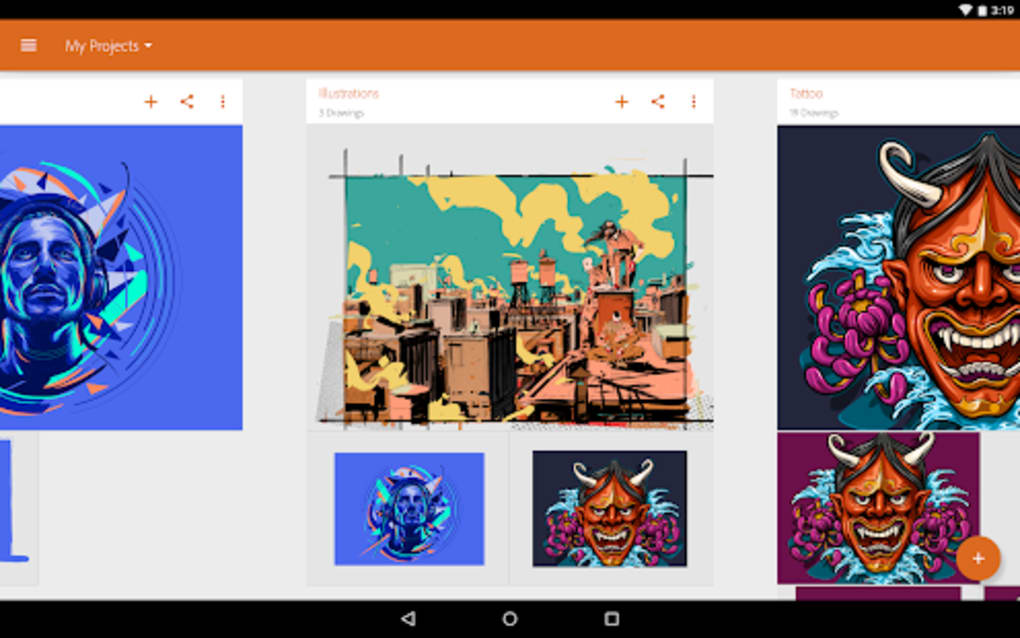
The user interface of Adobe Illustrator Draw is designed with touchscreen interaction in mind, featuring a clean, minimal layout that prioritizes accessibility and ease of use. Navigation is intuitive, with tools grouped logically and accessible via a sidebar or floating palette. The workflow emphasizes speed and fluidity, allowing users to begin drawing immediately after launch.
Undo and redo functions are readily available, supporting iterative refinement without disruption. The app’s performance is generally consistent with mobile application behavior, though the developer did not specify resource usage details. Performance observations are based on general software behavior patterns.
Some users have reported noticeable lag during prolonged use or when working with multiple layers and high-resolution images. This may stem from the app’s optimization for mobile hardware rather than desktop systems. Stability appears adequate for basic to moderate use, but intensive projects may lead to responsiveness issues.
The app does not consume excessive CPU or RAM unless specified, but exact performance metrics were not provided. Overall, the interface supports a smooth creative experience, though performance limitations may affect users seeking high-speed responsiveness.
Compatibility & System Requirements
Adobe Illustrator Draw is designed for mobile operating systems, specifically Android and iOS devices. The application is available on both platforms, enabling users to access it across a wide range of smartphones and tablets. The exact version number and installation size were not specified in the provided information.
The developer did not list detailed hardware requirements, such as minimum RAM, processor speed, or storage space. Compatibility information was partially provided, indicating that the app is optimized for touchscreen devices. It is not compatible with desktop operating systems such as Windows or macOS.
The app supports offline use, meaning no continuous internet connection is required for core functionality. Users should ensure their device meets the general standards for running modern mobile applications, though specific thresholds were not disclosed.
Pros and Cons
Pros
- Free to download and use
- Works offline
- Designed for touchscreen devices
- Offers a wide range of brushes
- Supports up to 10 layers
- Can draw on top of photos
- Easy to share creations online
- Community features like following artists
Cons
- App lags quite a bit
- Small community
- Limited features compared to full Adobe Illustrator
- No desktop version available
Frequently Asked Questions
Is Adobe Illustrator Draw free to download?
Yes, Adobe Illustrator Draw is free to download and use.
Does Adobe Illustrator Draw work offline?
Yes, the app works offline. You can use it without an internet connection.
Can I use Adobe Illustrator Draw on my desktop computer?
No, there is no desktop version available. The app is designed for mobile devices only.
Can I draw on top of photos in Adobe Illustrator Draw?
Yes, you can draw on top of photos. You can use photos you've taken, downloaded, or obtained from the in-app market.
What kind of community features does Adobe Illustrator Draw have?
The app has community features such as the ability to follow other artists, view their creations, and "appreciate" their work.
Final Thoughts
Adobe Illustrator Draw delivers a focused, accessible vector drawing experience tailored for mobile users. While it lacks the full power of desktop-based Adobe Illustrator, it excels as a portable creative tool for casual artists and digital sketchers. Its intuitive interface, layer support, and photo overlay features make it ideal for quick ideation, concept art, and personal projects.
The app’s offline functionality and free access further enhance its appeal. However, performance lag and a limited user community may hinder users seeking a robust, collaborative environment. For those who value mobility and simplicity over advanced features, Adobe Illustrator Draw remains a compelling choice.
Download Adobe Illustrator Draw now.





.png)

